


"The quickest way for me to prettify an image. Super helpful!"
Noah Kagan, Founder of AppSumo/Sumo

Easy-to-use graphic design tool for bloggers, business owners, and social media marketers.
Start creating images

Proudly featured on these fine sites with over 390,000 happy users.







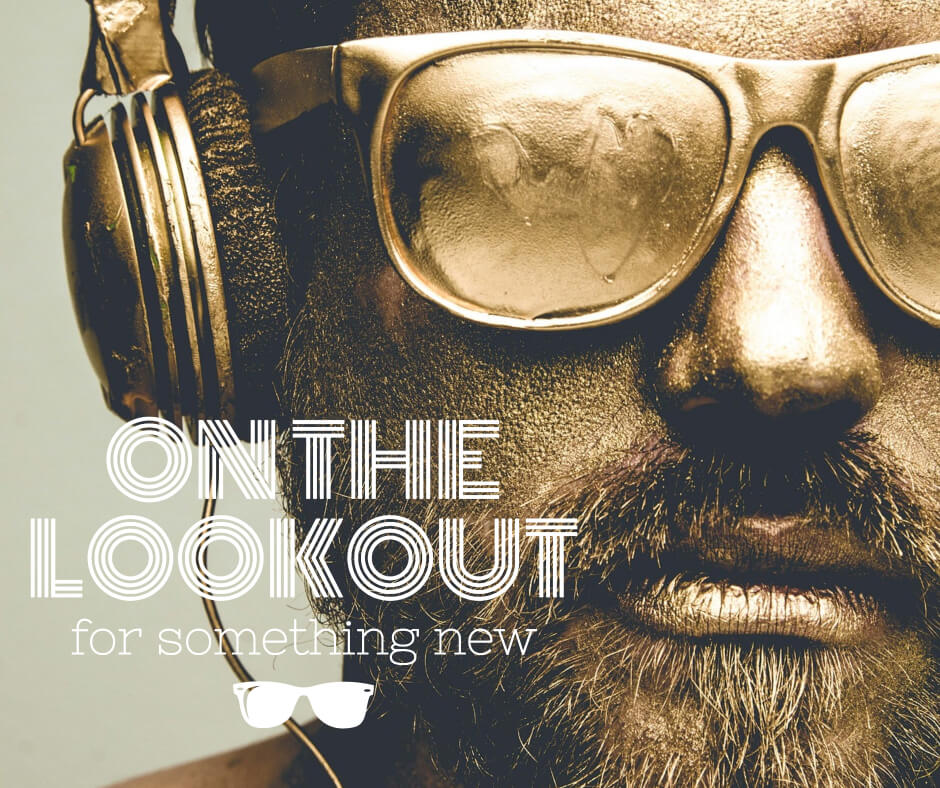
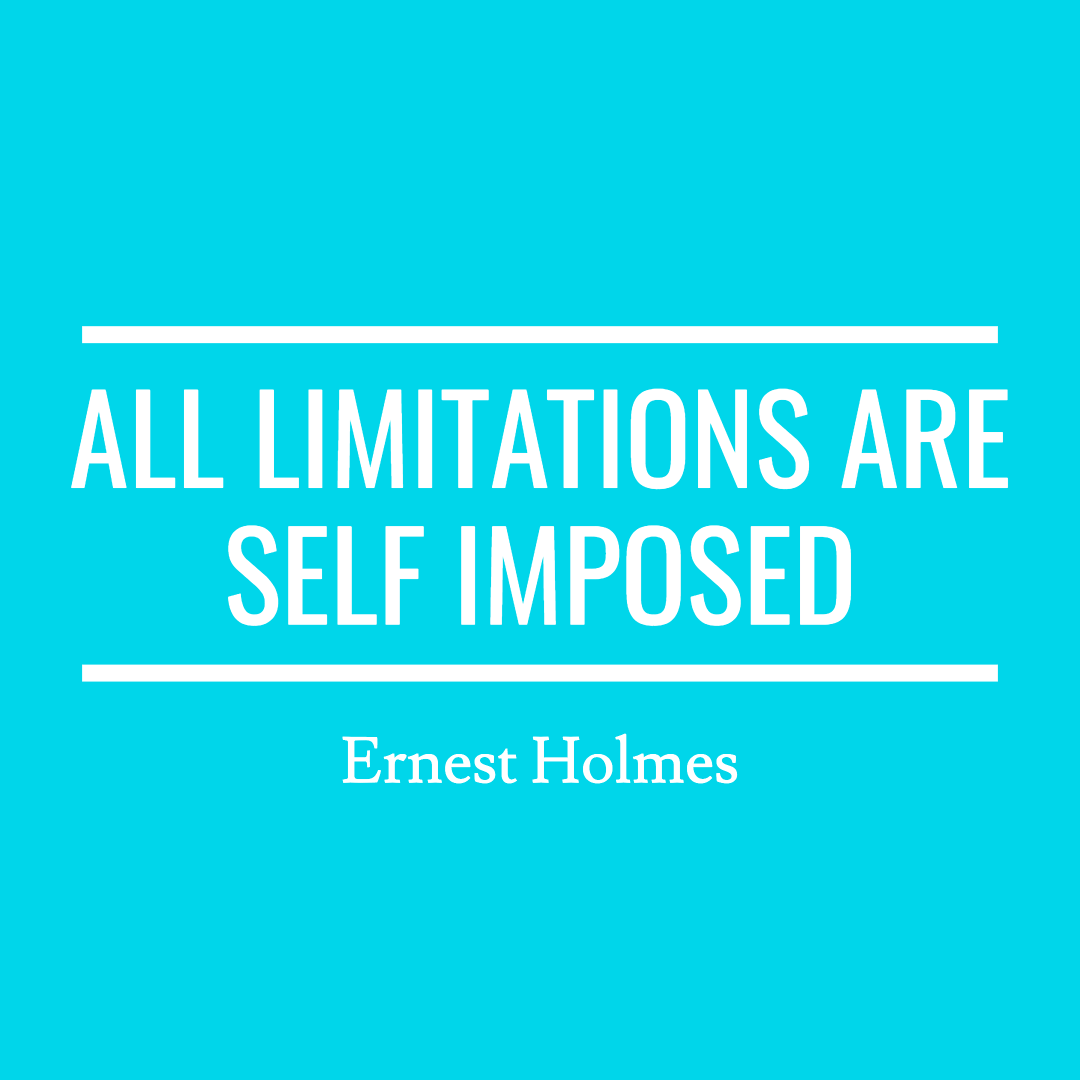
Easily create social media graphics, compelling ads, stunning blog headers & much more!










Read why business owners, social media marketers, bloggers, and entrepreneurs have turned to Stencil.
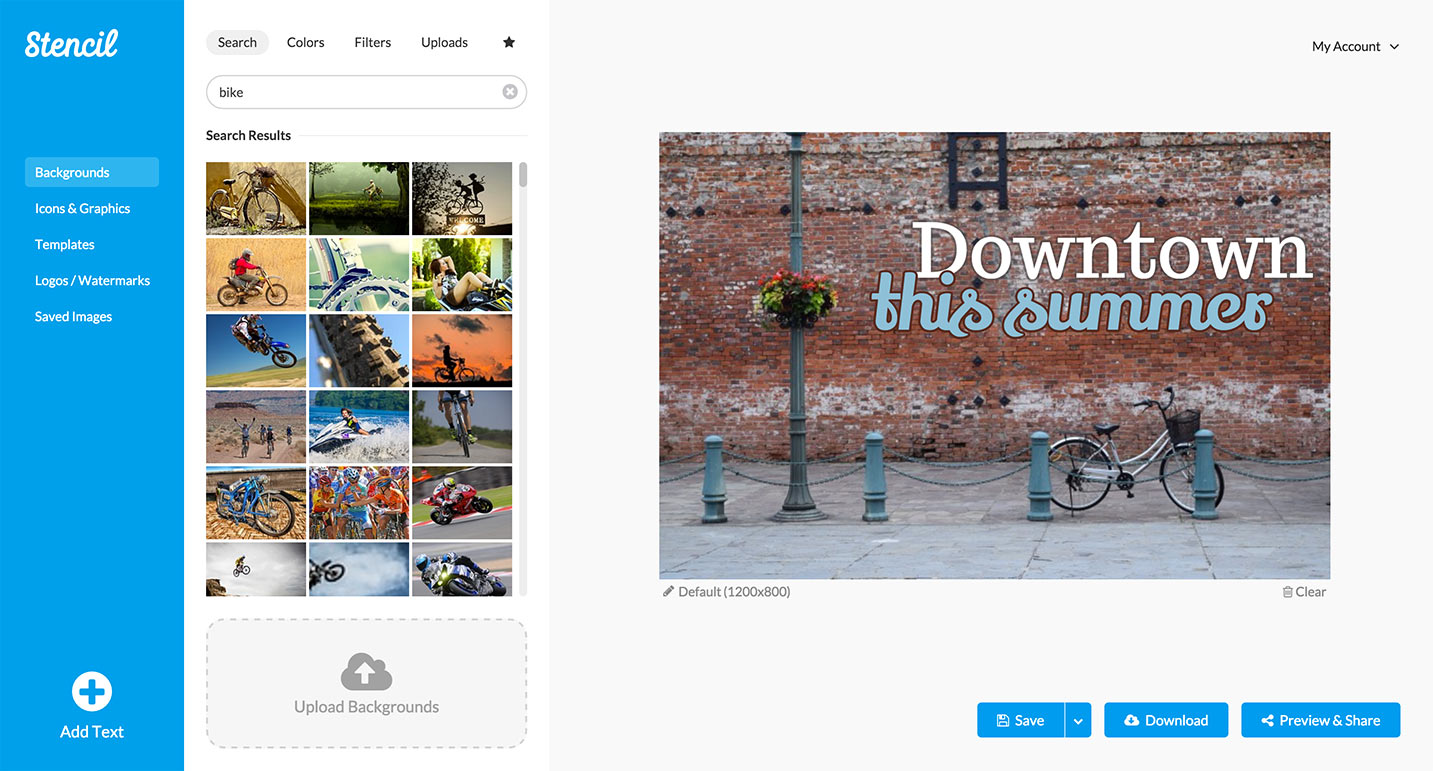
Pick a background. Add some text. No biggie.
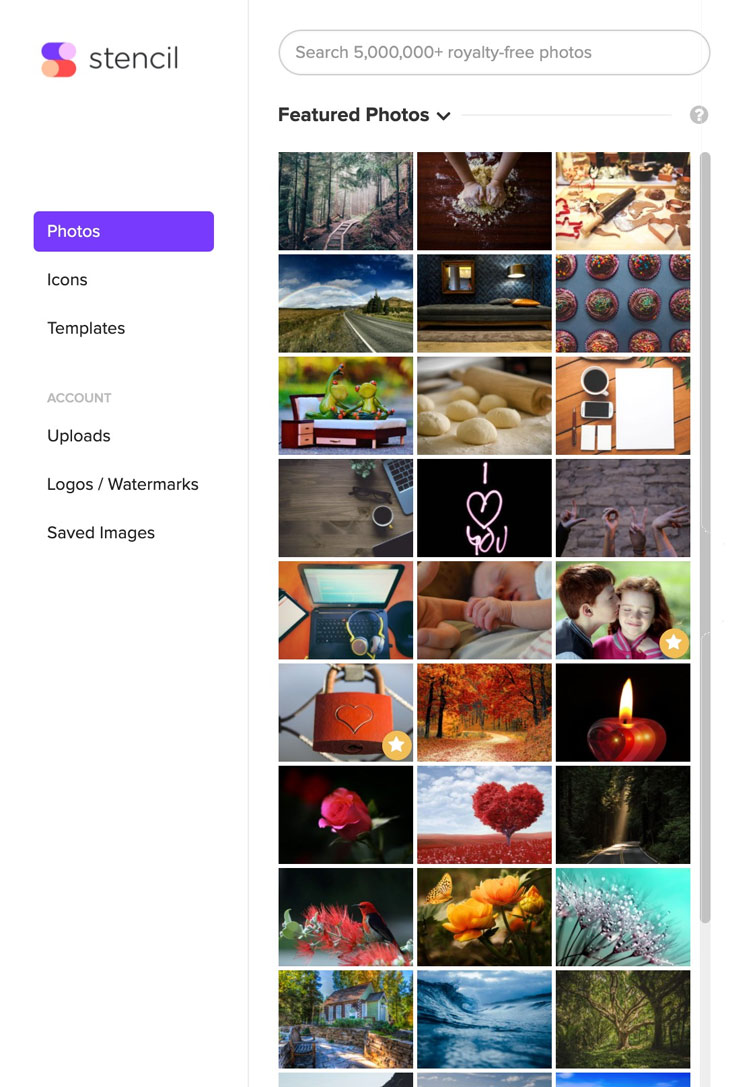
More royalty-free images than you'll know what to do with! Thousands of new photos added every week.
Create beautiful images even faster with our premium templates, ready to be edited.
Upload & store every variation of your logo or different logos if you're creating visuals for different brands.
Share to Facebook, Twitter, Instagram, Pinterest and Buffer.
Find the perfect font for your image by using any of Google's thousands of web fonts!
Match your brand perfectly by uploading your own fonts directly to Stencil and use them in all your visuals.
Beautiful icons right at your finger tips, royalty-free and safe to use however you want (personal or commercial).
Perfect pre-loaded optimal sizes for social networks, ads, blog posts and more. Not enough? Create your own!
Use Stencil to save time and improve your workflow. Create images as you browse the web or from a new tab.

Use Stencil in any modern web browser and create images faster than ever before.

Add the Stencil button to your Chrome toolbar and start creating images from anywhere.

Add the Stencil button to your Firefox toolbar and start creating images from anywhere.
Install the WordPress Plugin and create images from within WordPress as you create posts.


Noah Kagan, Founder of AppSumo/Sumo

Katie Lance, Social Strategist & Speaker

Jennifer Bly, The Deliberate Mom

Kevin Knebl, Author of Social Media Sales Revolution


Stencil - All rights reserved © 2024